

WordPress powers over 40% of the internet, yet one of the most common complaints users have is: “Why is my WordPress website so slow or not opening at all?” If you are facing performance, loading, or downtime issues, you are not alone.
In this guide, I’ll answer all major WordPress-related questions, explain real causes, and provide practical solutions—while also helping you understand when professional WordPress optimization services are the smartest investment.
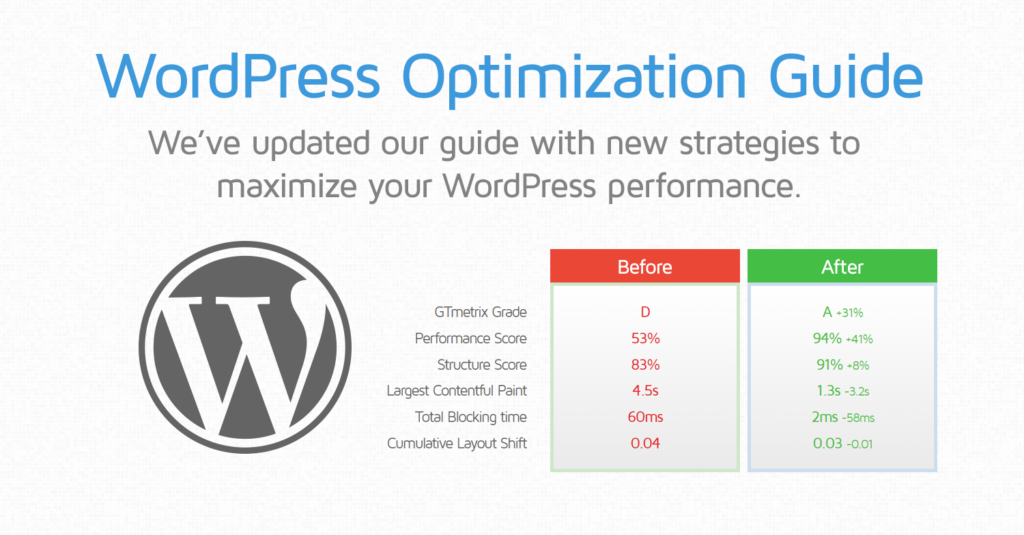
Why WordPress Website Is Slow?
A slow WordPress website is usually not caused by WordPress itself but by how it is built, hosted, and maintained.
Common Reasons Your WordPress Website Is Slow
-
Cheap or Poor Web Hosting
Shared hosting with overloaded servers is the #1 reason for slow WordPress sites. Low RAM, slow CPUs, and bad server configuration drastically affect speed. -
Too Many or Poorly Coded Plugins
Every plugin adds scripts, database queries, and HTTP requests. Badly coded or outdated plugins slow everything down. -
Unoptimized Images
Large images without compression or proper sizing can increase page load time by several seconds. -
No Caching System
Without page caching, WordPress rebuilds every page dynamically for each visitor, slowing the site. -
Bloated Themes & Page Builders
Heavy themes with unnecessary animations, sliders, and scripts can hurt performance.
Solution
Professional WordPress speed optimization includes:
-
Server-level caching
-
Image optimization
-
Plugin cleanup
-
Database optimization
-
Core Web Vitals improvement
Why My WordPress Website Is Very Slow?
If your site was fast before but suddenly became slow, the issue is usually recent changes.
Possible Causes
-
New plugin installation
-
Theme update conflicts
-
Increase in traffic without server scaling
-
Malware or security breach
-
Database bloat over time
Solution
A full WordPress performance audit helps identify:
-
Plugin conflicts
-
Slow queries
-
Hosting limitations
-
Security vulnerabilities
Why My WordPress Website Is Not Opening?
When a WordPress website does not open at all, the problem is usually critical, not cosmetic.
Common Reasons
-
Server downtime or DNS issues
-
PHP version incompatibility
-
Corrupted core WordPress files
-
Plugin or theme fatal errors
-
Exceeded memory limits
You may see:
-
White Screen of Death
-
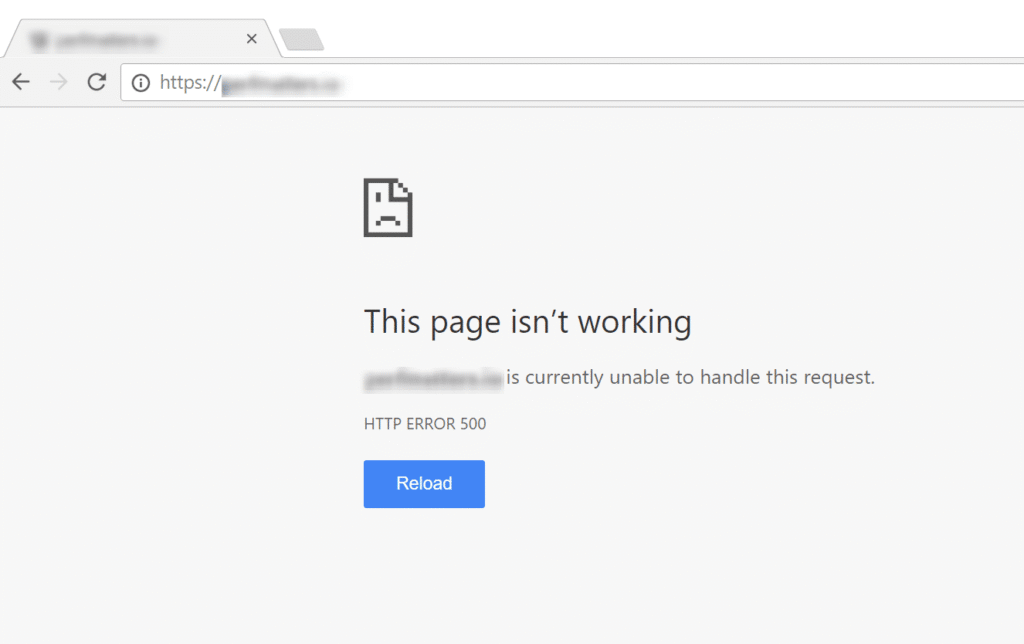
500 Internal Server Error
-
Site loading endlessly
-
Admin panel inaccessible
Solution
Emergency WordPress troubleshooting includes:
-
Server error log analysis
-
Disabling plugins via FTP
-
Restoring corrupted files
-
Fixing memory & PHP conflicts
👉 This is a strong opportunity to internally link to your WordPress support or emergency fix service.
Why Is WordPress Website Not Working Properly?
Sometimes WordPress “opens” but doesn’t work correctly.
Examples
-
Forms not submitting
-
Pages not loading fully
-
Broken layouts
-
Login issues
-
Admin dashboard lag
Root Causes
-
JavaScript conflicts
-
Outdated PHP version
-
Incompatible plugins
-
Missing updates
-
Security restrictions
Solution
A professional WordPress developer ensures:
-
Compatibility across updates
-
Clean, conflict-free code
-
Stable admin & frontend performance
Why Use WordPress for Website (Despite These Issues)?
If WordPress has problems, why do millions still use it?
Benefits of WordPress
✔ Easy content management
✔ SEO-friendly architecture
✔ Highly customizable
✔ Scalable for blogs, businesses & eCommerce
✔ Massive plugin & theme ecosystem
The truth is:
WordPress itself is fast and reliable when built correctly.
Most issues come from poor setup, lack of optimization, or inexperienced development.
Why WordPress Website Performance Matters for SEO
Google uses page speed and user experience as ranking factors.
A slow WordPress website leads to:
-
Higher bounce rates
-
Lower search rankings
-
Poor conversions
-
Lost trust
Optimized WordPress sites:
-
Rank better
-
Convert more users
-
Load faster on mobile
-
Pass Core Web Vitals
When Should You Hire a WordPress Expert?
You should consider professional help if:
-
Your site loads slower than 3 seconds
-
Your site crashes after updates
-
You don’t understand technical errors
-
You want better SEO rankings
-
Your business depends on your website
Instead of trial-and-error fixes, expert WordPress optimization saves time, money, and rankings.